

Walk in. Connect. Start the meeting.
Commercial video conferencing rooms designed so people can focus on the meeting—not the technology. Ironsight designs, installs, and supports collaboration environments for Microsoft Teams, Zoom, Google Meet, BYOD, and hybrid work.
Good room technology gets out of the way.
The experience should be consistent whether someone is joining from the room, a laptop, or across the country.
Room ready.
The display, camera, audio, and room controls are designed as one environment and ready when the meeting begins.
Join simply.
Use a dedicated room platform, connect a laptop, or share wirelessly depending on how your organization works.
Stay focused.
Automatic framing, speaker tracking, clear audio, and intelligent room technology help remote and in-room participants stay connected.
Different spaces. Consistent meetings.
The technology should fit the size and purpose of the room without forcing users to learn a different workflow every time.


Standardize the room—or bring your own.
Ironsight can design dedicated conferencing rooms for a consistent one-touch experience or flexible spaces that let users bring their own laptop and preferred meeting platform.
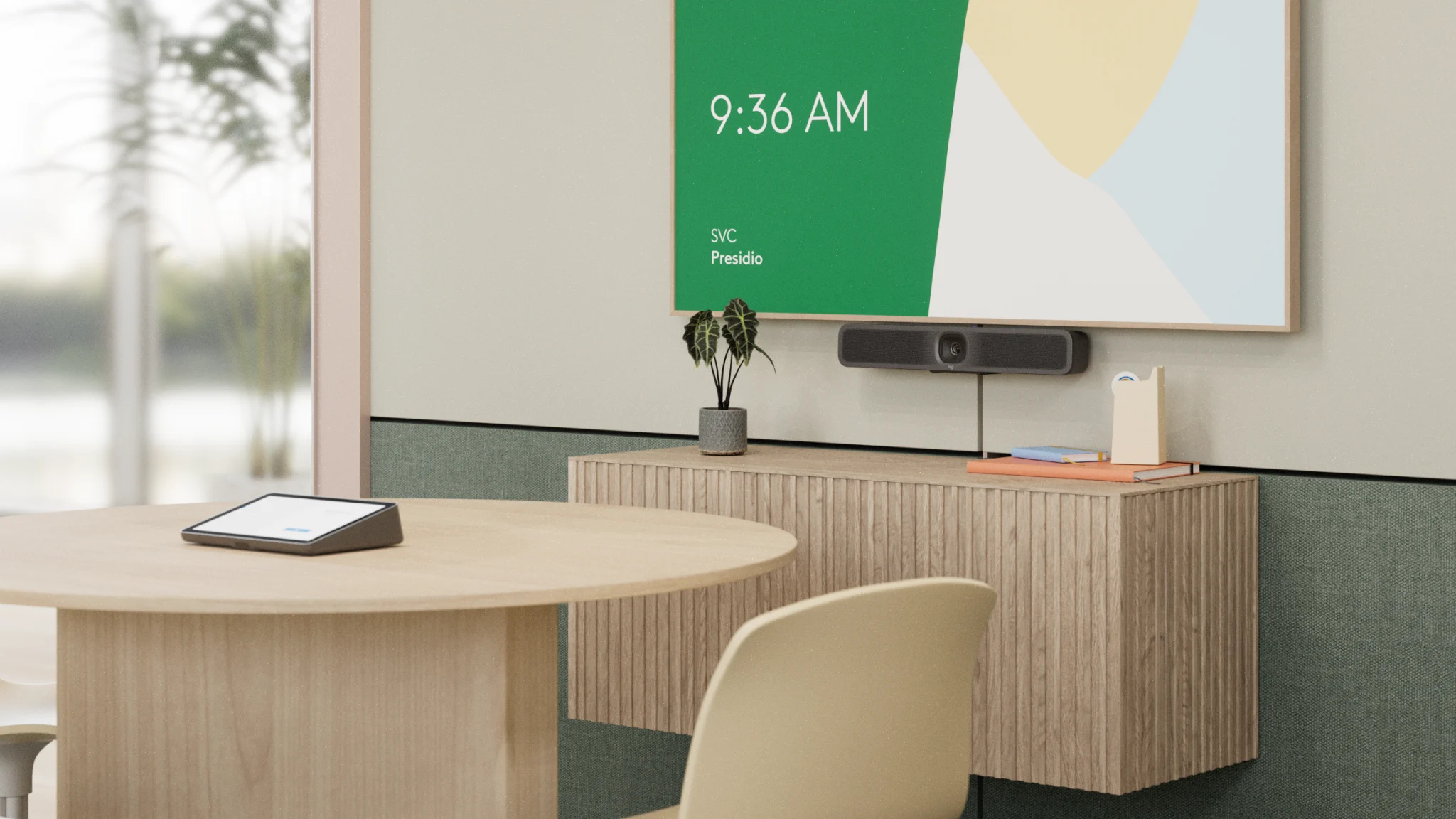
Let the room do more automatically.
Modern collaboration systems can reduce the number of things users need to manage during a meeting. We design around the experience first, then select the technology that supports it.
Purpose-built tools. Not a product catalog.
Cameras, room controllers, intelligent tabletop views, and whiteboard capture are selected around the room, platform, and way your teams collaborate.


Video conferencing is connected infrastructure.
Reliable meetings depend on what sits behind the camera and display. Ironsight can coordinate the AV, network, cabling, platforms, room scheduling, and ongoing support as one technology scope.
Mid-Atlantic delivery. Nationwide capability.
Ironsight designs, installs, commissions, and supports commercial video conferencing environments throughout Washington DC, Maryland, Northern Virginia, Delaware, and Pennsylvania, with nationwide project support for multi-site organizations.
Room Design
Infrastructure
Installation
Configuration
Commissioning
User Training
Managed Support
Planning a meeting room? Start here.
What does a commercial video conferencing installation include?
A project can include room design, displays, cameras, microphones, speakers, control interfaces, presentation connectivity, network and cabling coordination, platform configuration, commissioning, and user training depending on the room requirements.
Can Ironsight install Microsoft Teams Rooms and Zoom Rooms?
Yes. Ironsight designs commercial collaboration environments around dedicated room platforms as well as flexible meeting spaces that support Teams, Zoom, Google Meet, and other conferencing workflows.
Can an existing conference room be upgraded?
Yes. Existing displays, cabling, network connectivity, cameras, audio, and room controls can be evaluated to determine what can be retained, integrated, upgraded, or replaced.
Can employees use their own laptops in the conference room?
Yes. BYOD room designs can let users connect their laptop to the room's camera, microphones, speakers, and display while continuing to use the conferencing application on their own device.
Does Ironsight support conference rooms after installation?
Yes. Managed support can cover room technology, meeting-platform integrations, firmware administration, signage, remote troubleshooting, and related AV and network dependencies.
Build meeting rooms that are ready when you are.
Tell us how your teams meet today, what isn't working, or what you're building next. We'll help define the right room experience and the infrastructure behind it.